
Continuous Testing in Agile and DevOps: Building Automated Quality Gates Without Pipeline Latency
Last Updated: August 31st 2026
If your continuous integration pipeline is frequently stalled by flaky test scripts or manual validation delays, start your free 14-day CloudQA trial (no credit-card required) to implement automated quality gates in minutes, or book a 30-minute DevOps architecture review with our engineering team.
Table of Contents
Continuous integration and continuous deployment pipelines have radically accelerated software delivery. Engineering organizations can build, package, and push code changes to staging environments in a matter of minutes. However, for many fast-growing SaaS companies, this velocity hits a sudden wall during the quality assurance phase.
The traditional testing bottleneck has shifted from human manual testing to brittle automated testing suites. When engineering teams commit code multiple times per day, legacy automated scripts frequently fracture. This creates a severe operational paradox: running a comprehensive regression suite slows down your release cycle, but skipping tests to hit delivery targets introduces critical software stability risks.
To build a high-velocity development cycle, engineering leaders must move past basic testing methodologies. This comprehensive guide details how to implement high-speed continuous testing within active DevOps pipelines, explores modern automated quality gates, and demonstrates how AI-driven self-healing frameworks eliminate continuous testing latency.
The Continuous Testing Paradox: Speed vs. Stability in Modern DevOps
In a mature DevOps environment, testing cannot operate as an isolated phase at the end of a sprint cycle. It must function as a continuous, automated process embedded directly into every stage of your deployment pipeline. The objective of continuous testing is to achieve immediate feedback on the business risks associated with a software update as early in the pipeline as possible.
The core challenge that engineering managers face is the compounding debt of script maintenance. As code changes rapidly, static automated tests fail due to minor frontend updates, broken element IDs, or altered CSS classes. When an automated test breaks due to a harmless layout shift rather than a genuine software defect, it triggers a false positive.
When false positives clog build servers, two destructive behaviors occur within engineering organizations:
Pipeline Latency: Senior developers must stop building product features to pull open build logs, identify the broken element locators, and manually push patch scripts to fix the testing infrastructure.
Alert Fatigue: DevOps teams lose faith in the automated test results. Under intense pressure to meet sprint deadlines, they begin configuring pipelines to bypass failed testing blocks, allowing major functional regressions to escape directly into production.
True continuous testing resolves this paradox by treating test automation as a resilient, self-sustaining component of the infrastructure rather than a collection of static scripts.
The Anatomy of an Automated Quality Gate: Where Testing Fits in CI/CD
An automated quality gate is a programmatic validation step embedded within a continuous integration pipeline that evaluates code health before allowing the build to proceed to the next stage of deployment. Instead of relying on manual sign-offs, development teams use continuous testing to enforce automated execution parameters.
To keep pipelines fast and predictable, continuous testing must be stratified across specific architectural gates within your continuous integration toolchain.
Gate 1: The Pull Request / Commit Level
At the earliest stage of the pipeline, speed is the critical variable. Developers require rapid validation to ensure their local code changes have not broken the foundational application architecture.
Execution strategy: Trigger a lean, automated smoke testing suite containing 10 to 15 core user journeys.
Target runtime: Under 5 minutes.
Pipeline action: If any smoke test fails, the build is blocked immediately, preventing broken code from merging into the main repository branch.
Gate 2: The Staging / Pre-Production Release
Once code merges successfully into the main repository branch, the focus shifts from basic architectural health to comprehensive functional validation.
Execution strategy: Run a full functional regression suite, complete with dynamic data variations, multi-browser configurations, and deep visual interface checks.
Target runtime: Under 20 minutes (achieved through cloud-based parallel execution).
Pipeline action: Successful execution automatically clears the build for production provisioning.
Core Continuous Testing Techniques for Fast-Scaling Engineering Teams
Achieving a high-velocity continuous testing pipeline requires deploying three specific automation techniques designed to minimize latency and maximize coverage stability.
1. Shift-Left Testing (Early Validation)
Traditional software testing models operate on a “shift-right” timeline, meaning validation occurs late in the software development lifecycle. The financial and operational cost of fixing a bug scales exponentially the longer that defect survives undetected within a codebase.
Shift-left testing re-architects this flow by embedding automated validation into the earliest phases of development. By integrating codeless automation tools directly into local Git branches and developer pull requests, code is validated long before it ever reaches a formal staging environment. Discover how teams successfully execute this transition within our comprehensive guide to transition from manual to automated testing.
2. Parallel Test Execution
Running hundreds of functional web test scripts sequentially on a single testing server creates a severe pipeline bottleneck. As your software application grows, a sequential testing run can extend build times by hours, completely destroying continuous delivery goals.
Parallel test execution solves this latency by breaking a large test suite into distinct, isolated execution units that run simultaneously across cloud-hosted container networks. Modern continuous testing architectures allow teams to execute dozens of complex end-to-end user journeys at the exact same moment. This horizontal scaling capability ensures that whether your regression suite contains 50 tests or 500 tests, your total pipeline gating runtime remains completely static.
3. AI Self-Healing vs. The Script Maintenance Tax
The single greatest point of failure in legacy continuous testing setups is the reliance on rigid, code-heavy element locators like static XPaths or hardcoded CSS class names. When modern frontend developers refactor code or update reactive frameworks, these static element handles break instantly.
Next-generation continuous testing platforms bypass this vulnerability by deploying AI-driven self-healing algorithms. Instead of tracking a single code attribute, the underlying testing engine continuously builds a multi-dimensional behavioral map of every user interface component. If an element ID alters or a layout wrapper shifts during a deployment, the AI autonomously calculates the structural transformation, updates the locator strategy in real time, and allows the build pipeline to proceed cleanly without human intervention.
Executive Evaluation Criteria for Continuous Testing Tools
When technical decision-makers evaluate continuous testing frameworks to power their Agile development structures, standard feature checkmarks fail to capture true operational utility. Platforms must be measured against specific efficiency metrics:
Time to First Value: Avoid testing frameworks that require weeks of specialized scripting setup, custom framework design, and manual coding configuration before protecting your initial build. Look for codeless platforms that allow manual QA teams and developers to deploy automated gates on day one.
Skill Democratization: Code-heavy frameworks build artificial silos, isolating test creation inside a small team of automation engineers. To scale velocity, choose a platform that removes programming skills as a barrier to entry, enabling product managers, manual testers, and developers to collaboratively manage quality. Learn more about the strategic benefits within our breakdown of why codeless automation outperforms conventional frameworks.
Native Ecosystem Integration: Ensure the continuous testing tool features native webhooks and plugins for standard continuous integration environments like Jenkins, GitHub Actions, GitLab, and CircleCI, alongside direct alerting hooks for Slack, Opsgenie, and PagerDuty.
How to Structure Your Continuous Testing Pipeline: A Step-by-Step Architecture
Transitioning your engineering organization to a modern continuous testing model requires implementing a clear, phased operational roadmap.
Step 1: Establish Your Core Smoke Gate
Identify the absolute most critical business transactions within your software application. This includes user authentication, core dashboard rendering, primary navigation paths, and major form updates. Build a lean, high-speed automated suite around these flows. Configure your continuous integration environment to trigger this suite automatically on every code commit, establishing a zero-latency defense line against catastrophic regressions.
Step 2: Implement Dynamic Data and Parallel Regression
Expand your automated testing footprint by building out deep functional journeys. To prevent test suite execution from stretching out pipeline times, configure your testing platform to scale these tests across parallel cloud containers. Bind your scripts to dynamic data profiles to validate variable user workflows, handling complex multi-tenant SaaS inputs and comprehensive application scenarios seamlessly without data collisions.
Step 3: Transition Regression Into Continuous Synthetic Production Monitoring
A highly stable continuous testing suite should not remain active only during code deployments. Repurpose your automated staging regression scripts to run continuously against your live production environments as automated synthetic uptime checks. By scheduling your core functional scripts to execute every 15 minutes, you ensure that silent database errors, third-party API breakages, or global infrastructure failures trigger automated DevOps alerts before your customers experience friction. Learn more about deploying this strategy within our 2026 guide to continuous synthetic monitoring.
High-Level Continuous Testing FAQs
How do you balance automated testing execution times against sprint delivery speed?
Balancing testing depth against pipeline speed requires utilizing parallel cloud execution grids and stratified quality gates.
Running a massive end-to-end regression suite sequentially on every minor code change creates immediate delivery roadblocks. Engineering leaders should configure their pipelines to run short, targeted smoke checks during active coding cycles, while saving deep, comprehensive functional testing for automated nightly builds or parallel pre-staging execution passes. This ensures developers receive rapid feedback loops without extending integration wait times.
What is the primary difference between continuous testing and traditional automated testing?
The core distinction lies in pipeline integration and execution cadence. Traditional automated testing operates as a siloed, episodic phase within software sprints, frequently triggered manually by a dedicated QA team after development wraps up. Continuous testing embeds automation seamlessly as a continuous, native gate within the active CI/CD pipeline, triggering execution programmatically at multiple development checkpoints without human intervention to deliver real-time risk assessments.
How do you manage automated testing documentation and updates within rapid Agile environments?
Managing test health within hyper-dynamic development environments requires abandoning hardcoded framework documentation in favor of adaptive platform models.
When user interfaces evolve weekly, maintaining code-heavy manual step logs becomes impossible. Teams should deploy unified, cloud-hosted codeless testing trackers that naturally log test structure updates, dynamic run histories, and self-healing adjustments within a centralized database, ensuring cross-functional visibility across product, development, and quality assurance teams. Discover more about managing documentation friction within our guide on why you cannot ignore test planning in agile environments.
Share this post if it helped!
RECENT POSTS
Guides

How To Select a Regression Testing Automation Tool For Web Applications
Regression testing is an essential component in a web application development cycle. However, it’s often a time-consuming and tedious task in the QA process.

Switching from Manual to Automated QA Testing
Do you or your team currently test manually and trying to break into test automation? In this article, we outline how can small QA teams make transition from manual to codeless testing to full fledged automated testing.

Why you can’t ignore test planning in agile?
An agile development process seems too dynamic to have a test plan. Most organisations with agile, specially startups, don’t take the documented approach for testing. So, are they losing on something?

Challenges of testing Single Page Applications with Selenium
Single-page web applications are popular for their ability to improve the user experience. Except, test automation for Single-page apps can be difficult and time-consuming. We’ll discuss how you can have a steady quality control without burning time and effort.
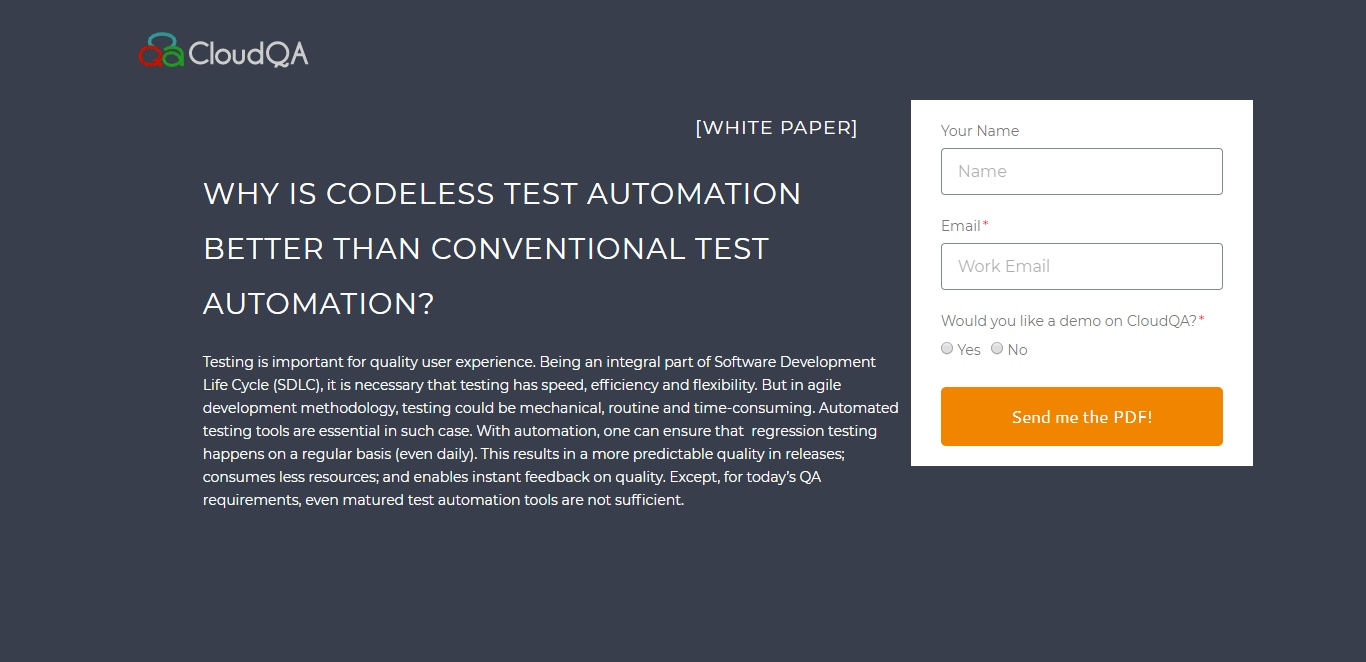
Why is Codeless Test Automation better than Conventional Test Automation?
Testing is important for quality user experience. Being an integral part of Software Development Life Cycle (SDLC), it is necessary that testing has speed, efficiency and flexibility. But in agile development methodology, testing could be mechanical, routine and time-consuming.