Selenium Alternatives Everyone Is Talking About in 2026
Table of Contents
Last updated: October 2026
Quick answer
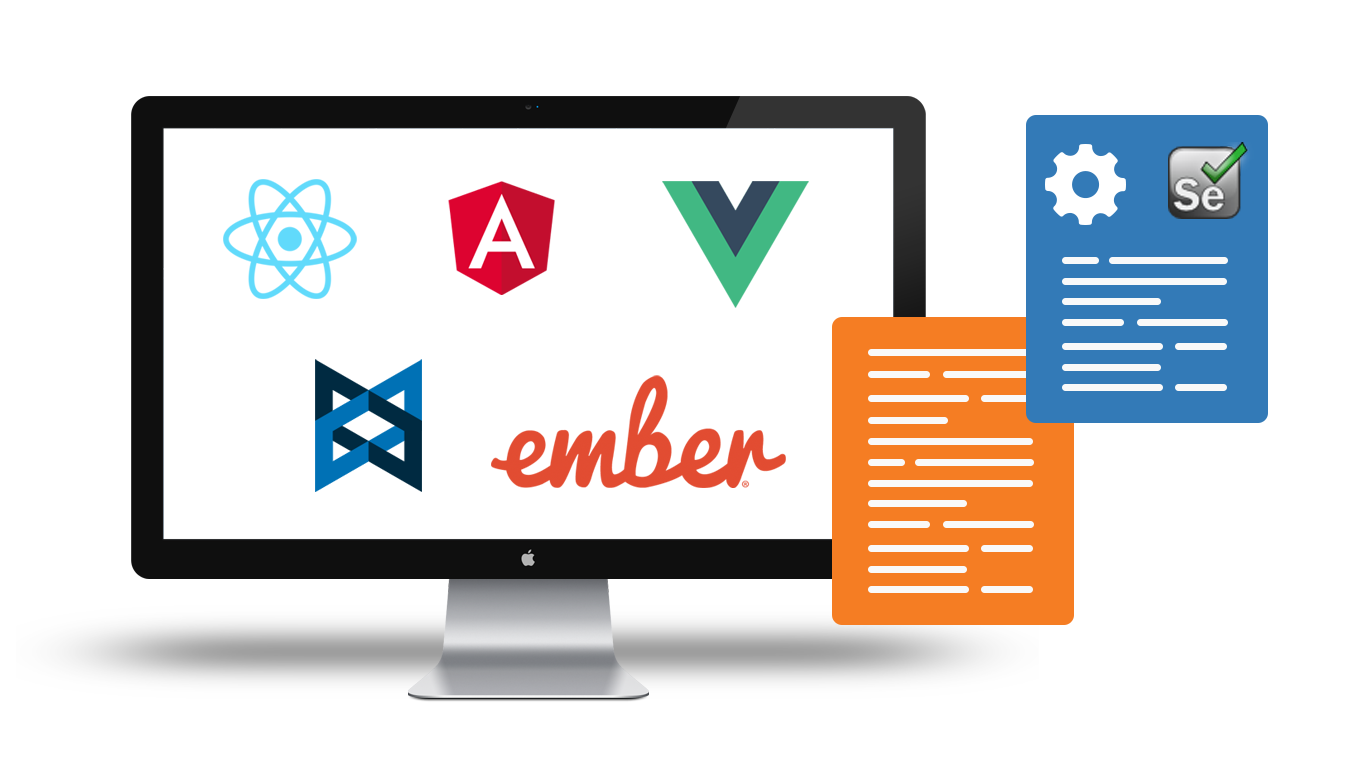
The Selenium alternatives teams talk about most in 2026 fall into two groups. Code-based frameworks: Playwright, Cypress, WebdriverIO and Puppeteer. Codeless and low-code platforms: CloudQA (record and edit, deterministic runs), and AI-assisted platforms such as mabl, Katalon, Tricentis Testim and TestMu AI (formerly LambdaTest) KaneAI. Pick a framework if your team writes and maintains test code. Pick a platform if testers, analysts or product people need to build and own the tests. Selenium itself is still actively maintained, so switching should solve a real problem, not follow a trend.
Is Selenium still worth using in 2026?
Yes, for many teams. Selenium is not standing still: the project shipped seven 4.x releases between May and September 2026, up to Selenium 4.50. Two long-standing pain points have also been addressed:
- Driver setup. Selenium Manager has shipped with every release since 4.6. It finds, downloads and caches the right browser drivers (and browsers) for you.
- Modern browser control. Selenium co-created WebDriver BiDi, the W3C bidirectional protocol. It lets scripts react to network requests, console messages and JavaScript errors as they happen, which used to require Chrome-only DevTools hooks.
Selenium’s strengths are still the widest language support, the W3C WebDriver standard, and a huge ecosystem of grids, cloud vendors and trained engineers. For background on the 4.x line, see our post on what changed in Selenium 4.
Why teams look for Selenium alternatives
The reasons people give are fairly consistent:
- Flaky tests. Selenium leaves waiting strategy to you. Newer frameworks auto-wait for elements to be ready, which removes a whole class of timing failures.
- Boilerplate. You assemble the test runner, reporting, retries, parallelism and screenshots yourself.
- Maintenance cost. UI changes break locators, and fixing them needs someone who can code.
- Skills. Many QA teams have more domain experts than automation engineers. A code-only tool limits who can contribute.
Be honest about which of these is your actual problem. Flakiness and boilerplate point to a modern framework. Maintenance and skills gaps point to a codeless platform.
Code-based Selenium alternatives
Playwright
Microsoft’s Playwright drives Chromium, Firefox and WebKit from one API, with official bindings for Node.js, Python, Java and .NET. It auto-waits, isolates each test in its own browser context, and ships a test runner, trace viewer and code generator. Releases are frequent: version 1.63 added cross-frame locators and visible-only locators. Playwright is the default choice for many new JavaScript and Python projects. The trade-off is that it is still a code framework, so it needs engineers to write and maintain tests.
Cypress
Cypress runs inside the browser and is known for its interactive runner and time-travel debugging. It is JavaScript/TypeScript only. Cypress 16 (current release 16.1.1, September 2026) supports Chrome-family browsers and Firefox, with WebKit still experimental. Cypress 15 added cy.prompt() for AI-assisted test generation. Cypress is a strong fit for front-end teams testing their own app. It is less suited to flows that span many domains or tabs.
WebdriverIO
WebdriverIO is an OpenJS Foundation project, now on version 10. It automates Chrome, Firefox, Safari and Edge through WebDriver and WebDriver BiDi, and reaches iOS, Android and desktop apps through Appium. Because it builds on the same standards as Selenium, it is often the easiest move for teams that want a modern JavaScript developer experience without leaving WebDriver.
Puppeteer
Puppeteer, maintained by Google, is a JavaScript library that controls Chrome or Firefox over the DevTools Protocol or WebDriver BiDi. It is a browser automation library, not a full test framework, so it shines at scraping, PDF generation, performance tracing and scripted checks. For a full end-to-end test suite, most teams pair it with a test runner or choose Playwright.
Codeless and AI-assisted Selenium alternatives
These platforms record or generate tests, run them in a managed cloud, and include reporting, scheduling and some form of locator recovery. They differ mainly in how much AI is involved in creating and running tests: CloudQA keeps runs deterministic and only tries to recover a locator after a step fails, while the AI-first platforms use AI throughout authoring and execution.
- mabl positions itself as an agentic testing platform and covers web, mobile, API and performance testing.
- Katalon offers no-code, low-code and full-code authoring in Katalon Studio, plus TestOps, TestCloud and TrueTest. It covers web, mobile, API and Windows desktop, and can bring in existing Selenium, Playwright and Appium suites.
- Tricentis Testim uses AI-based smart locators for low-code tests on web, mobile and Salesforce.
- TestMu AI (formerly LambdaTest) rebranded in January 2026. Its KaneAI agent plans and writes tests from text, tickets, docs and other inputs, and runs them on the company’s testing cloud and HyperExecute orchestration.
- CloudQA records tests in the browser, edits them visually without code, and runs them deterministically in the cloud. More on how it works below.
If you are weighing AI features, ask one practical question: does the AI decide what happens at run time, or does it only help create and repair tests? The answer affects how repeatable your results are. Our guide to AI in software testing covers this in more depth.
Selenium alternatives compared
| Tool | Type | Authoring | Browsers / platforms | Best fit |
|---|---|---|---|---|
| Selenium | Open-source framework | Code (Java, Python, C#, JavaScript, Ruby) | All major browsers via W3C WebDriver | Teams with existing suites and multi-language needs |
| Playwright | Open-source framework | Code (JS/TS, Python, Java, .NET) | Chromium, Firefox, WebKit | New code-first projects that want speed and built-in tooling |
| Cypress | Open-source framework | Code (JS/TS) | Chrome-family, Firefox; WebKit experimental | Front-end teams testing their own web app |
| WebdriverIO | Open-source framework | Code (JS/TS) | Chrome, Firefox, Safari, Edge; mobile and desktop via Appium | WebDriver users who want a modern JS runner and mobile reach |
| Puppeteer | Open-source library | Code (JS/TS) | Chrome, Firefox | Scripted browser tasks, scraping, performance tracing |
| CloudQA | Codeless SaaS + managed service | Record and edit visually; optional custom JavaScript | Chrome, Firefox, Edge in the cloud | Web app regression and monitoring owned by non-coders |
| mabl | Commercial platform | Low-code, agentic | Web, mobile, API | Teams wanting AI-driven creation and maintenance |
| Katalon | Commercial platform | No-code, low-code, full-code | Web, mobile, API, Windows desktop | Mixed-skill teams covering many app types |
| Tricentis Testim | Commercial platform | Low-code with AI smart locators | Web, mobile, Salesforce | Salesforce-heavy and web teams |
| TestMu AI KaneAI | Commercial platform | AI agent from natural language and other inputs | Web and mobile on TestMu AI cloud | Teams already on the TestMu AI (LambdaTest) cloud |
How to choose the right Selenium alternative
- Start with who writes the tests. If it is developers, a framework is usually the better fit. If it is QA analysts or business users, a codeless platform removes a bottleneck.
- List your platforms. Web only, or also mobile, desktop and APIs? That narrows the field fast.
- Decide how much AI you want at run time. Regulated and audit-heavy teams often prefer tests that run the same way every time.
- Count the total cost. Open-source tools are free to download, but you pay in engineering time, infrastructure and maintenance.
- Pilot on real flows. Rebuild five to ten of your most important tests, run them for a few weeks, and compare flakiness and upkeep.
- Do not migrate everything at once. Run old and new suites side by side and retire Selenium tests as replacements prove stable.
Where CloudQA fits
CloudQA is a codeless test automation platform for web applications. You record tests in your browser with the CloudQA Chrome extension, then edit them visually: add, delete or reorder steps, and add assertions, waits, variables, data sets or custom JavaScript. Tests are saved as reusable modules.
- Deterministic runs. Recorded steps and locators run exactly as written. There is no AI in the execution path.
- Self-healing only on failure. If a step fails because its element cannot be found, CloudQA tries to locate the right element and reports the recovery for your review. See how tests are built and maintained.
- Hard pages handled. Shadow DOM, iframes, automatic waits for page loads and AJAX, and resilient locators.
- Cloud execution. Chrome, Firefox and Edge, parallel runs, scheduling, and environment variables to run one test across dev, staging and production. Trigger runs from CI/CD through CloudQA APIs (customers use Jenkins, Azure DevOps and Travis CI). See running tests across browsers and environments.
Teams that would rather not run automation themselves can use CloudQA’s managed QA service. To compare plans, see pricing or the regression testing product page. You can start a free account or request a demo.
Related reading
Frequently Asked Questions
What is the best alternative to Selenium in 2026?
There is no single best option. Playwright is the most common choice for new code-first projects, while codeless platforms such as CloudQA, mabl, Katalon and Tricentis Testim suit teams where non-developers build and maintain tests.
Is Selenium still maintained?
Yes. The Selenium project released versions 4.44 through 4.50 between May and September 2026, and it ships Selenium Manager for automatic driver setup and supports the W3C WebDriver BiDi protocol.
Is Playwright better than Cypress?
Playwright supports more languages (JavaScript/TypeScript, Python, Java, .NET) and drives Chromium, Firefox and WebKit, while Cypress is JavaScript/TypeScript only with WebKit support still experimental. Cypress is popular for its interactive runner and debugging for front-end teams testing their own app.
What is TestMu AI?
TestMu AI is the new name of LambdaTest, which rebranded in January 2026. It offers a testing cloud, HyperExecute orchestration and KaneAI, an AI agent that plans and writes tests from natural-language and other inputs.
Can a codeless tool replace Selenium for web testing?
For many web regression and monitoring needs, yes. Codeless platforms record tests in the browser, run them in a managed cloud and handle waits and locator changes, though teams with complex custom logic may still keep some coded tests.
CloudQA
Automate your web tests without code
- Record tests in your browser
- Run them on every release
- Free plan, no credit card required
Recent articles

Popular guides