AI in Testing: The Third Wave of Automation, Explained
Table of Contents
Last updated: October 2026
Quick answer
AI in testing is the third wave of test automation. The first wave was scripted automation with code-based frameworks like Selenium; the second was codeless, record-and-edit tools that let non-programmers build tests; the third adds AI to help generate test cases, create test data, recover from broken locators and, increasingly, let AI agents drive a browser. The teams getting the most from it use AI to speed up test design and maintenance while keeping test execution predictable and reviewable.
Where testing started: the manual baseline
Before any automation wave, testing meant people working through test cases by hand: click, type, compare the result with the expected outcome, log a defect. Manual testing is still essential for exploratory work, usability and new features that are changing daily. Its limits show up in regression testing. Every release adds features, so the set of things that must be re-checked keeps growing while release windows keep shrinking.
That gap is what each wave of automation has tried to close.
Wave one: scripted automation
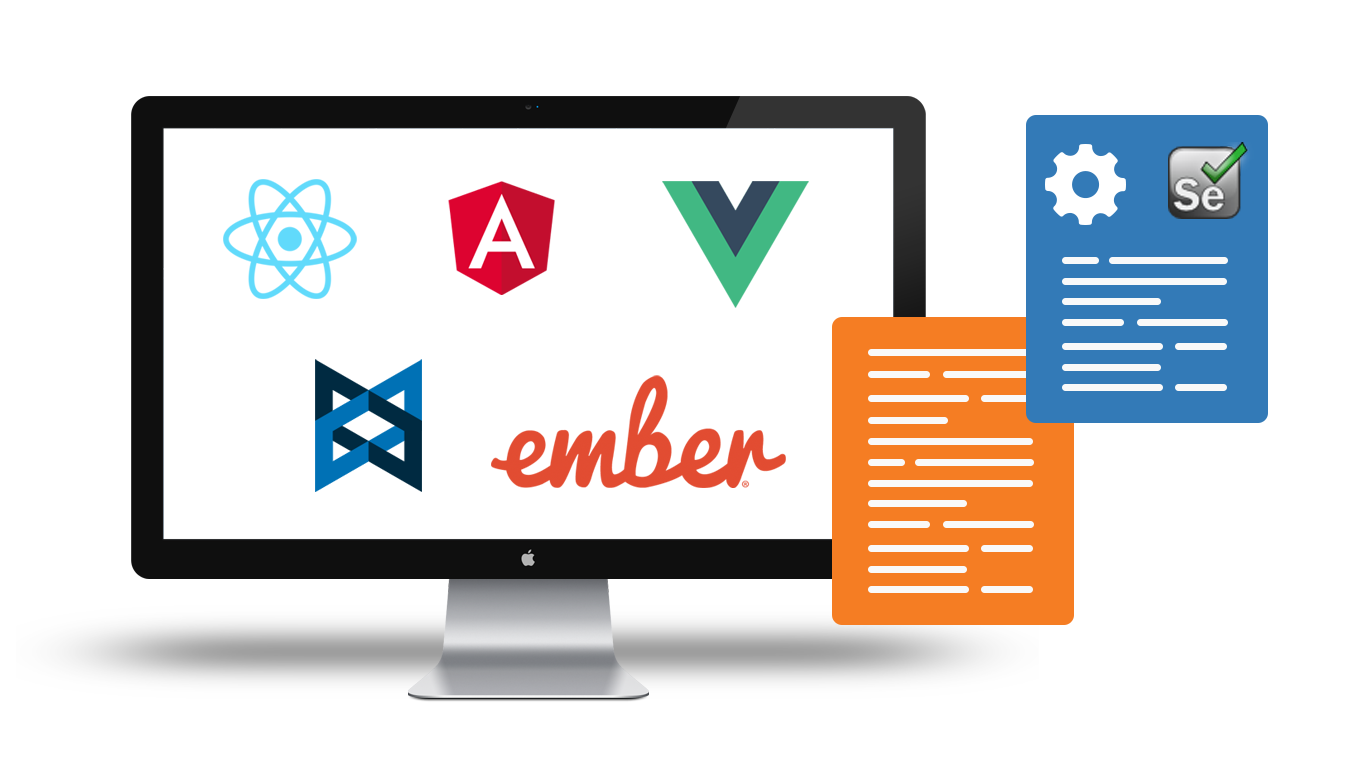
The first wave put test steps into code. Selenium began in 2004 at ThoughtWorks as an internal tool for testing a web application and grew into the standard open-source framework for browser automation. Its WebDriver approach became a W3C specification, which the W3C describes as “a remote control interface that enables introspection and control of user agents”. Later frameworks such as Cypress and Playwright followed the same basic model.
What it solved
- Repeatable regression runs that do not depend on someone’s memory or attention span.
- Integration with build pipelines, so tests can run on every change.
- Full control for engineers who can write and debug code.
What it left unsolved
- Only people who code can write or fix tests, so QA analysts and business users stay on the sidelines.
- Maintenance grows with the suite. A renamed button or restructured page breaks locators, and someone has to edit code to fix them.
- Framework setup, waits, browser drivers and reporting all need engineering time before the first useful test runs.
Wave two: codeless automation
The second wave removed the coding requirement. Codeless tools record a user’s actions in the browser and turn them into editable steps. Testers then add assertions, waits, variables and data sets through a visual editor instead of writing a framework. Our guide to codeless testing covers this approach in detail.
What it solved
- Manual testers and domain experts can build and maintain automated tests.
- Reusable modules (for example, a login flow) cut duplication across tests.
- Cloud execution, scheduling and cross-browser runs come built in rather than assembled by hand.
What it left unsolved
- Someone still has to decide what to test and write good test cases.
- Realistic test data still has to be created and maintained.
- UI changes can still break steps, even if fixing them no longer requires code.
Wave three: AI-assisted and agentic testing
The third wave applies AI to the work that the first two waves left to people. It is useful to separate it into two levels.
AI-assisted testing
Here AI helps a human produce test assets, and the human stays in charge of what gets run:
- Test case generation: turning a requirement, user story or page description into a list of positive, negative and edge cases.
- Test data generation: producing realistic names, addresses, emails and other field values in bulk.
- Self-healing: when a locator no longer matches, finding the most likely replacement element and flagging the change.
- Failure analysis: grouping failures and suggesting whether a problem is in the app, the test or the environment.
Agentic testing
Agentic testing goes further: an AI agent is given a goal and decides which actions to take in the browser. Open tooling has made this practical to experiment with. For example, Microsoft’s Playwright MCP server lets large language models drive a browser through “structured accessibility snapshots” rather than screenshots. Agents are promising for exploratory checks and for drafting new tests, but they are non-deterministic by nature: the same goal can lead to different steps on different runs.
Comparing the waves
| Stage | Who builds tests | Main strength | Main limitation |
|---|---|---|---|
| Manual testing | Testers, by hand | Human judgment, exploratory insight | Slow and costly for regression |
| Wave 1: Scripted | Engineers who code | Full control, CI/CD integration | Coding skills required; high maintenance |
| Wave 2: Codeless | Testers and business users | Fast to build; wider team can contribute | Test design and data still manual |
| Wave 3: AI-assisted | People, helped by AI | Faster test design, data and upkeep | AI output needs human review |
| Wave 3: Agentic | AI agents with human oversight | Explores and drafts tests from goals | Non-deterministic; hard to audit |
Why deterministic execution still matters
A regression suite exists to give the same answer every time the application behaves the same way. If an AI model decides at run time what to click, a passing result can mean the app works, or that the agent found a different path around a real bug. That makes failures harder to reproduce and results harder to trust in a release decision.
A practical pattern for 2026 is to use AI where its variability is an asset and keep it out of the release gate:
- Use AI to draft test cases and data, then have a person review and keep the good ones.
- Store approved tests as explicit, readable steps that run the same way every time.
- Allow self-healing only as a recovery step after a failure, and surface every recovery for review rather than silently changing the test.
- Use agents for exploration and discovery, and turn their useful findings into deterministic tests.
Testing the AI features inside your own product is a separate discipline. The ISTQB’s Certified Tester AI Testing syllabus v2.0, released in April 2026, focuses on testing machine learning and generative AI systems, including bias, drift and red teaming. For governance, NIST’s AI Risk Management Framework is a widely used, voluntary reference. Our guide to AI in software testing goes deeper on both sides.
How to adopt the third wave without losing control
- Start with your regression pain. List the flows that break most often or take longest to re-test by hand: login, checkout, sign-up, key forms.
- Automate those flows first. Codeless tools make this fast, and the flows become the stable core of your suite.
- Add AI to test design. Generate candidate test cases and data for new features, then review them like you would a colleague’s work.
- Wire tests into CI/CD. Run the suite on every build or deployment so failures show up close to the change that caused them.
- Measure maintenance. Track how much time goes into fixing broken tests. If it keeps rising, look at locator strategy and self-healing reports.
- Experiment with agents in a sandbox. Let them explore and suggest tests, but keep humans approving what enters the regression suite.
Where CloudQA fits
CloudQA is a codeless test automation platform for web applications, built on the second-wave model with third-wave help where it is safe to use it.
- Tests are recorded in the browser with the CloudQA Chrome extension and edited visually: add, delete or reorder steps, and add assertions, waits, variables, data sets or custom JavaScript. Steps can be saved as reusable modules.
- Runs are deterministic. Recorded steps and locators run exactly as written, with no AI in the execution path.
- Self-healing starts only when a step fails because its element cannot be found. CloudQA then tries to locate the right element and reports the recovery so you can review it. See how recording and self-healing work.
- Tests run in the CloudQA cloud on Chrome, Firefox and Edge, in parallel or on a schedule, and can be triggered from CI/CD through CloudQA APIs. Learn more about running tests across browsers and environments.
- For AI-assisted test design, the free AI Test Case Generator drafts test cases from a description, and the free Test Data Generator produces realistic data for forms and data-driven tests.
Teams that prefer not to run automation in-house can use CloudQA’s managed testing services. To try the platform, create a free account or request a demo.
Related reading
Frequently Asked Questions
What is the third wave of test automation?
The third wave is AI in testing. After scripted automation (wave one) and codeless automation (wave two), AI now helps generate test cases and data, recover from broken locators, and, with agents, explore applications from a stated goal.
Will AI replace manual testers?
No. AI speeds up test design, data creation and maintenance, but people still decide what matters to test, review AI output and do exploratory and usability testing that needs human judgment.
What is the difference between AI-assisted and agentic testing?
In AI-assisted testing, AI helps a person create or repair tests and the person approves what runs. In agentic testing, an AI agent decides which actions to take in the application to reach a goal, so the steps can vary from run to run.
Should AI decide test steps at run time in a regression suite?
For release decisions it is usually safer not to. Regression tests should run the same steps every time so failures are reproducible; AI is better used to draft tests and to recover from failures with every change reported for review.
Does CloudQA use AI to run tests?
No. CloudQA runs recorded steps exactly as written. Self-healing only starts after a step fails because its element cannot be found, and the recovery is reported for review. For test design, CloudQA offers a free AI Test Case Generator.
CloudQA
Automate your web tests without code
- Record tests in your browser
- Run them on every release
- Free plan, no credit card required
Recent articles
Popular guides