Best Regression Testing Tools (2026): 15 Compared + How to Choose
Last Updated: October 20th 2026
When code changes hit production, your regression testing suite is the only thing standing between a smooth release and a customer-facing outage. However, selecting the right automation tool is no longer just about browser support; it is about managing maintenance debt, scaling test coverage, and aligning with your team’s technical skills.
This guide breaks down the top 15 regression testing platforms, categorizing them by use case, tech stack, and execution style to help you build a reliable, low-maintenance testing pipeline.
Quick Answer: Top Picks by Use Case
If you need to make a fast decision, here is how the landscape breaks down for most QA and development teams:
- Best for code-heavy engineering teams: Playwright (modern web) or Cypress.
- Best for audit-heavy teams wanting deterministic, codeless automation: CloudQA.
- Best for visual UI changes: Applitools.
- Best for legacy and cross-platform desktop apps: Ranorex Studio.
- Best for API regression: Keploy.
What Regression Testing Tools Actually Do
A regression testing tool automates the process of verifying that recent code changes haven’t broken existing, working functionality. Instead of manually clicking through a checkout flow or submitting forms every time you deploy, these tools run predefined test suites to catch unintended side effects instantly.
Frameworks vs. UI Automation Tools
Before diving into the tools, it is critical to distinguish between a test framework and a UI automation tool, as a robust regression strategy often requires both:
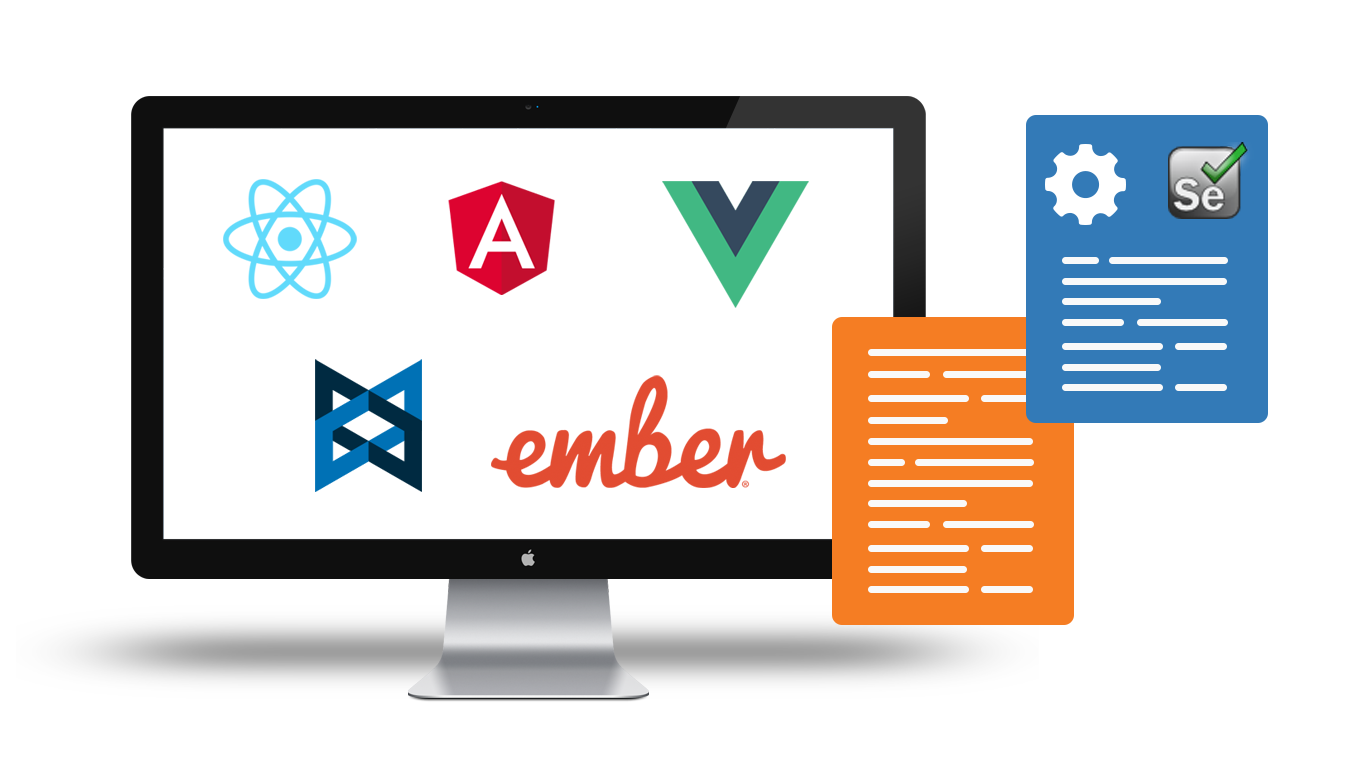
- Testing Frameworks (e.g., JUnit, TestNG, Mocha): These govern how tests are structured, executed, and reported at the code level. They do not interact with the browser directly.
- UI Automation Tools (e.g., Selenium, Playwright, CloudQA): These handle the actual interaction with the application—clicking buttons, filling forms, and navigating pages—while reporting the results back to the framework or dashboard.
Code-Based Testing Frameworks
Ideal for teams with dedicated Software Development Engineers in Test (SDETs) who prefer to keep their tests version-controlled alongside their application code.
1. Playwright
- Brief Description: Microsoft’s open-source framework has rapidly become the standard for modern web applications, offering reliable end-to-end testing across all modern browsers.
- Best For: Developer-heavy teams building modern Single-Page Applications (SPAs) with JavaScript/TypeScript.
- Key Features: Auto-waiting, native multi-tab and iframe support, and network traffic interception.
- Pros: Exceptionally fast execution; eliminates most artificial timeout flakiness.
- Cons: Requires strong coding skills; less accessible for manual QA testers.
- Integrations: GitHub Actions, GitLab CI, Azure Pipelines, Jenkins.
2. Selenium
- Brief Description: The legacy giant of browser automation. It provides a standardized protocol for driving browsers across nearly every programming language.
- Best For: Complex, highly customized legacy setups that require broad language support.
- Key Features: W3C WebDriver protocol, massive community support, Selenium Grid for parallel execution.
- Pros: Supports Java, Python, C#, Ruby, and JavaScript; unparalleled cross-browser capabilities.
- Cons: High maintenance burden; lacks native auto-waiting; requires significant boilerplate code.
- Integrations: Integrates with almost every CI/CD tool and testing framework in existence.
3. Cypress
- Brief Description: A front-end testing tool built for the modern web that runs directly inside the browser alongside your application code.
- Best For: Front-end developers running rapid local tests during the build process.
- Key Features: Time-travel debugging, real-time reloads, and automatic waiting.
- Pros: Incredible developer experience and debugging capabilities; fast local execution.
- Cons: Struggles with multi-tab testing and multi-origin iframes; JavaScript/TypeScript only.
- Integrations: CircleCI, GitHub Actions, Bitbucket, AWS CodeBuild.
4. Robot Framework
- Brief Description: A generic open-source automation framework that utilizes a keyword-driven testing approach.
- Best For: Teams that want a readable, keyword-driven approach without relying on full codeless platforms.
- Key Features: Tabular test data syntax, highly extensible via Python or Java libraries.
- Pros: Tests are highly readable for business analysts and non-programmers.
- Cons: Setup and initial architecture can be complex; debugging failure logs is often difficult.
- Integrations: Jenkins, Bamboo, TeamCity.
Codeless & AI Testing Platforms
Built for growth-focused teams, manual testers, and product managers who need to scale test coverage rapidly without writing complex scripts.
5. CloudQA
- Brief Description: A codeless web testing platform built on first-principles execution. It converts manual test steps into automated suites quickly using a record-and-playback interface backed by robust locator strategies. [Link to Scriptless Testing Guide]
- Best For: Audit-heavy web applications needing reliable execution and rapid automation of manual workflows.
- Key Features: Deterministic self-healing locators, built-in test data management, and scheduled regression runs.
- Pros: Avoids AI “false passes” by using strict, multi-attribute locator strategies; extremely low learning curve.
- Cons: Strictly optimized for web applications; not suitable for native iOS/Android testing.
- Integrations: Jira, Jenkins, Azure DevOps, Slack, Asana.
6. mabl
- Brief Description: A unified, AI-driven platform that handles web, mobile, and API testing with a focus on low-code test creation.
- Best For: Enterprise teams looking for a unified, all-in-one quality engineering platform.
- Key Features: Auto-healing, API and UI testing in one platform, comprehensive reporting.
- Pros: Excellent auto-healing capabilities reduce maintenance; highly intuitive UI.
- Cons: Pricing scales quickly for enterprise tiers; resource-heavy on older machines.
- Integrations: GitHub, GitLab, Jira, Slack, Postman.
7. Testim (by Tricentis)
- Brief Description: An AI-based UI testing tool that uses smart locators to adapt as the application’s underlying code changes.
- Best For: Teams that want a strong balance of codeless recording and custom JavaScript insertion.
- Key Features: AI-based smart locators, reusable test steps, and custom code injection.
- Pros: Highly resilient tests; easy to blend codeless steps with programmed logic.
- Cons: Vendor lock-in risk; execution can sometimes feel slower than pure code-based frameworks.
- Integrations: Jenkins, CircleCI, Jira, Trello.
8. Katalon
- Brief Description: A robust quality management platform that bridges codeless and code-based testing, offering a desktop studio environment.
- Best For: Teams transitioning from manual testing to automation who want room to grow into coding.
- Key Features: Dual-mode interface (record/playback or scripting), built-in object repository.
- Pros: Very familiar for traditional QA engineers; supports web, API, mobile, and desktop.
- Cons: The desktop application can be resource-intensive; enterprise pricing is complex.
- Integrations: Jira, Git, Jenkins, Azure DevOps.
9. testRigor
- Brief Description: A generative AI testing platform that allows teams to write complex end-to-end tests in plain, natural English.
- Best For: Product managers and business analysts who want to dictate test steps without any technical syntax.
- Key Features: Natural language processing, zero-maintenance test creation, cross-platform support.
- Pros: Maximum accessibility for non-technical team members; entirely abstracts the DOM.
- Cons: Natural language parsing can sometimes introduce execution delays or misinterpret complex custom UI elements.
- Integrations: Jira, Zephyr, TestRail, standard CI/CD pipelines.
10. ACCELQ
- Brief Description: An AI-powered, cloud-based continuous testing platform that automates API and web testing seamlessly without writing code.
- Best For: Enterprise Agile teams managing complex, interconnected enterprise systems (like Salesforce or Oracle).
- Key Features: Predictive analytics, natural language test design, universe-view test topology.
- Pros: Outstanding for mapping complex business processes; strong enterprise application support.
- Cons: Steep learning curve for its proprietary lifecycle concepts; overkill for simple web apps.
- Integrations: Jira, Azure DevOps, Jenkins, Bamboo.
Desktop & Cross-Platform Testing
For organizations maintaining legacy systems, point-of-sale software, or native Windows/Mac applications.
11. Ranorex Studio
- Brief Description: A comprehensive, all-in-one GUI test automation framework targeting desktop, web, and mobile platforms.
- Best For: QA teams that need to test legacy Windows desktop applications alongside web portals.
- Key Features: Reliable object recognition (Ranorex Spy), reusable code modules, comprehensive reporting.
- Pros: Exceptional at handling complex, older desktop UI elements that web-only tools cannot see.
- Cons: Windows-only IDE; commercial license costs are significant.
- Integrations: Jira, TestRail, Git, Jenkins.
12. TestComplete (by SmartBear)
- Brief Description: A powerful automated UI testing tool equipped with an AI-powered object recognition engine.
- Best For: Enterprise teams needing broad technology support across desktop, mobile, and packaged apps (like SAP).
- Key Features: Hybrid object recognition (property-based and AI visual recognition), keyword-driven testing.
- Pros: Extremely versatile across different application types; strong scripting support (Python, JavaScript).
- Cons: Heavyweight installation; primarily built for Windows environments.
- Integrations: Jenkins, Azure DevOps, Git, Jira.
Visual Regression Tools
Standard functional testing tools check if a button exists; visual regression tools check if it actually looks right to the user. [Link to UI Regression Testing]
13. Applitools
- Brief Description: The industry leader in Visual AI, it compares page layouts and structures rather than just doing naive pixel-matching.
- Best For: Teams experiencing high rates of visual bugs or layout breaks across different viewport sizes.
- Key Features: Visual AI engine, cross-browser grid, DOM snapshotting.
- Pros: Eliminates the flakiness of traditional pixel-to-pixel comparison; understands dynamic content.
- Cons: An additive cost (usually used alongside Playwright/Selenium, not as a standalone functional tool).
- Integrations: Plugs into Playwright, Cypress, Selenium, and CI/CD pipelines.
API & Mobile Regression
14. Keploy
- Brief Description: A unique API testing platform that automatically generates test cases and data mocks by recording live network traffic.
- Best For: Backend engineering teams looking to generate regression tests without writing assertion scripts.
- Key Features: Traffic replay, automated mocking of dependencies (databases, external APIs).
- Pros: Drastically reduces the time spent writing API test boilerplate; catches shadow API changes.
- Cons: Primarily focused on the backend; requires integration with a UI tool for full coverage.
- Integrations: Native GitHub integration, GitLab, Kubernetes.
15. Appium
- Brief Description: The standard open-source framework for automating native, mobile web, and hybrid applications on iOS and Android.
- Best For: Mobile-first engineering teams needing deep, code-level access to device features.
- Key Features: Cross-platform mobile support, utilizes the WebDriver protocol.
- Pros: Free and open-source; supports multiple programming languages.
- Cons: Notoriously difficult to configure; setting up device farms and managing mobile OS updates is highly resource-intensive.
- Integrations: BrowserStack, Sauce Labs, Jenkins, Bitrise.
The Hidden Cost: Maintenance & Self-Healing
The biggest hidden cost in regression testing isn’t the license fee; it’s the maintenance debt of updating broken tests.
- Scripted Maintenance: Tools like Selenium require manual updates from an engineer every time an ID or CSS class changes. Over time, maintaining these scripts can take more effort than manual testing.
- AI/Probabilistic Self-Healing: Tools guess the new location of an element. This reduces maintenance but can occasionally lead to false positives if the AI clicks the wrong button to force a test to “pass.”
- Deterministic Recovery: Approaches (like CloudQA’s) rely on strict, multi-attribute locator strategies. They find elements securely without hallucinating test paths, ensuring that a pass is a true pass, which is vital for compliance and audit-heavy teams.
How to Choose the Right Tool: A Decision Matrix
Focus on practical execution rather than generic feature checklists. Look at your actual release cadence and team makeup:
- Who is writing the tests? If SDETs and developers own quality, adopt Playwright or Cypress. If manual QA or product managers are driving coverage, adopt a codeless platform like CloudQA or mabl.
- What is your stack? If you have a cross-browser matrix requirement, you need a cloud platform. If you test desktop software, you need Ranorex or TestComplete.
- Calculate True Total Cost of Ownership (TCO): Add the software license + infrastructure costs (AWS/Azure for runners) + engineering hours spent maintaining flaky tests.
| Tool ↕ | Category ↕ | Coding Required ↕ | Self-Healing ↕ | Pricing Model ↕ |
|---|---|---|---|---|
| Playwright | Code-Based Web | High | No | Open Source |
| Selenium | Code-Based Web | High | No | Open Source |
| Cypress | Code-Based Web | Medium | No | Freemium |
| CloudQA | Codeless & AI | None | Yes (Deterministic) | Freemium |
| Ranorex | Desktop & Cross-Platform | Medium | Yes | Commercial |
| ACCELQ | Codeless & AI | None | Yes (AI-powered) | Commercial |
| TestComplete | Desktop & Cross-Platform | Medium | Yes | Commercial |
| mabl | Codeless & AI | None | Yes (AI-powered) | Commercial |
| Applitools | Visual Regression | Varies | Yes (Visual AI) | Commercial |
| Keploy | API & Backend | None | No | Open Source |
Where CloudQA Fits (and Where It Doesn’t)
We built CloudQA to prioritize trust and practical execution.
- Where it fits: Web-focused teams that need to convert manual test steps into automated suites rapidly. It is ideal for teams dealing with frequent UI updates who require strict, deterministic test execution rather than AI guesswork.
- Where it doesn’t: CloudQA is heavily optimized for web applications. If your primary need is native mobile app testing (iOS/Android) or legacy desktop software, dedicated tools like Appium or TestComplete are better fits.
Real-World Impact: Thirty-One Gifts Case Study
Transitioning to the right regression tool has a measurable impact on release velocity. When Thirty-One Gifts migrated their regression suites, they automated a massive suite of 400 to 500 test cases.
What previously took a full day of manual effort was reduced to just a couple of hours. This shift freed up the engineering team to focus on exploratory testing and edge cases rather than repetitive execution checks.
Frequently Asked Questions
What is a regression testing framework? A regression testing framework is the structural foundation—comprising testing guidelines, coding standards, object repositories, and test data injection methods—that dictates how automated tests are designed and executed.
What is the difference between regression testing and smoke/sanity testing? Smoke testing checks if the critical, core functionality of an application works immediately after a build. Sanity testing checks specific new functionality. Regression testing is the deep, comprehensive execution of all test cases to ensure new code hasn’t broken anything else.
What are the best free and open-source regression tools? Selenium, Playwright, Cypress (base version), and Appium are the industry standards for free, open-source automation, though they require engineering resources to build and maintain.
How do you build a regression test suite? Start by identifying the most critical user journeys (e.g., login, checkout). Write modular test cases for these paths, prioritize them based on risk and usage data, and automate them using a tool that matches your team’s technical capabilities.
How does API regression differ from UI regression? API regression tests the backend data exchanges and logic without loading a graphical interface, making it incredibly fast. UI regression tests the actual buttons, forms, and visual layouts the user interacts with, which is slower but catches client-side rendering issues.
What is a regression test suite example? In an e-commerce application, a regression suite would include adding an item to a cart, applying a promo code, checking out with a credit card, and verifying the confirmation email. These tests run every time the website updates to ensure the checkout flow hasn’t broken.
What is visual regression testing? Visual regression testing uses automated tools to take screenshots of software interfaces and compare them against baseline images to detect unintended layout, color, or typographical shifts caused by code changes.
Why do automated regression tests become flaky? Flakiness usually occurs due to network latency, elements taking too long to load, or developers changing the CSS locators/IDs that the test relies on to find elements.
How often should regression testing be done? Ideally, automated regression suites should be integrated into your CI/CD pipeline and run automatically upon every code commit or pull request, ensuring instant feedback before code is merged into the main branch.
Share this post if it helped!
Switch from manual to automated testing
Find out how quickly your team can move to codeless automation.
CloudQA
Automate your web tests without code
- Record tests in your browser
- Run them on every release
- Free plan, no credit card required
Recent articles

Popular guides